What CourseCloud works with
Keep your accounts, your inbox and your website. CourseCloud connects to the tools you want to keep, and brings your data across from the ones you leave behind.
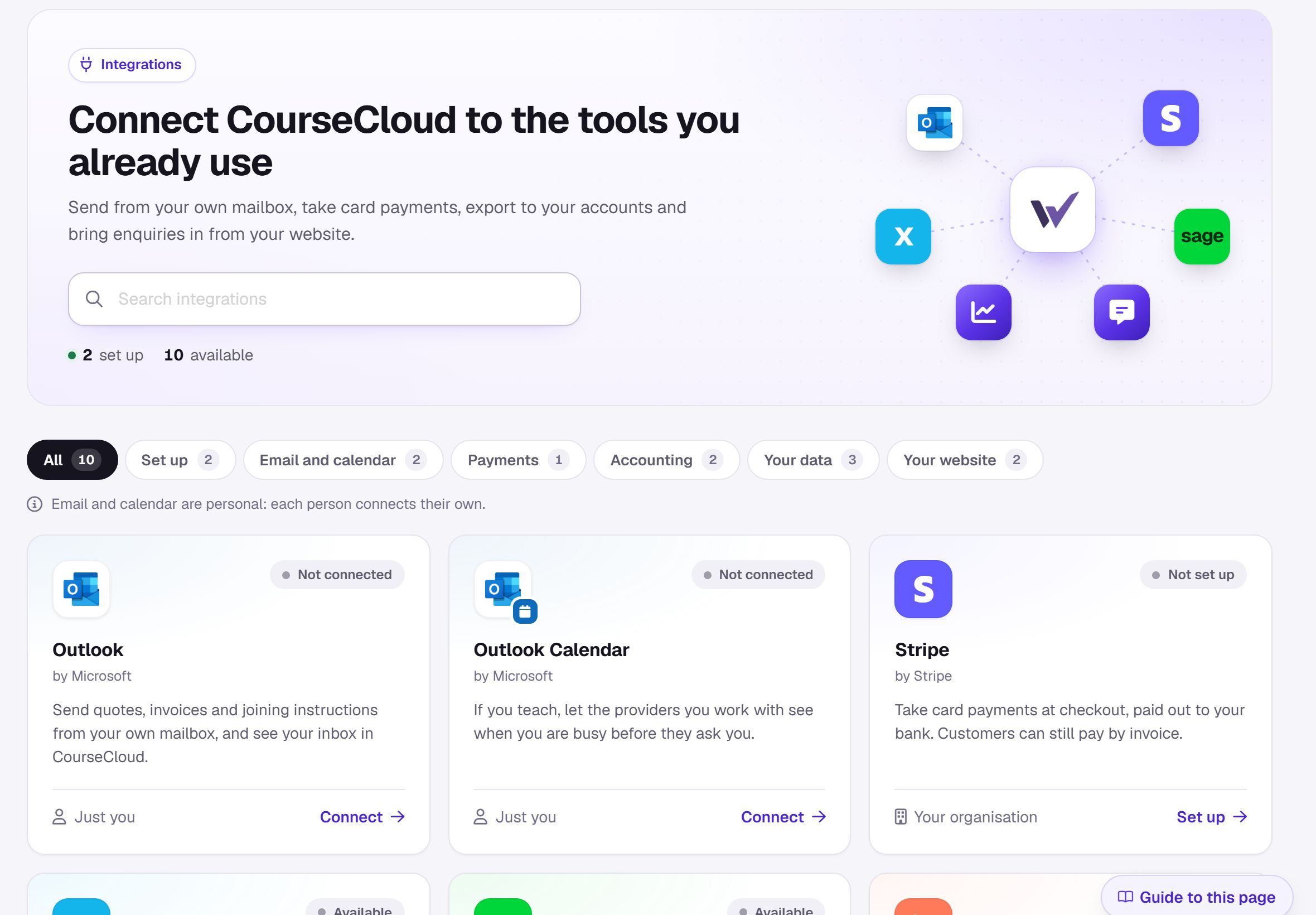
Payments and accounts
| Tool | What it does | How it connects | Plan |
|---|---|---|---|
| Stripe | Card payments at checkout, paid into your own Stripe account and set up inside CourseCloud. | Connect. You sign in once and it stays connected. | Every plan |
| Xero | Invoices exported in the layout Xero imports, with no re-keying. | Export. A file you download from CourseCloud whenever you want it, in the layout the other tool imports. | Every plan |
| Sage 50 | Invoices exported in the layout Sage 50 imports, with no re-keying. | Export. A file you download from CourseCloud whenever you want it, in the layout the other tool imports. | Every plan |
Email and calendar
| Tool | What it does | How it connects | Plan |
|---|---|---|---|
| Microsoft Outlook | Send quotes, invoices and joining instructions from your own mailbox, put any email on the right record, and see when trainers are busy. | Connect. You sign in once and it stays connected. | Every plan |
Bring your data across
| Tool | What it does | How it connects | Plan |
|---|---|---|---|
| HubSpot | Bring your contacts and companies across. Every row is checked first, and any import can be undone. | Import. Your data is brought across once. You check every row first, and any import can be undone. | Every plan |
| Mailchimp | Bring your subscribers across to your CourseCloud mailing list. | Import. Your data is brought across once. You check every row first, and any import can be undone. | Every plan |
| Eventbrite | Bring your events and their attendees across. | Import. Your data is brought across once. You check every row first, and any import can be undone. | Every plan |
| Excel and CSV | Courses, venues, trainers, customers and past bookings from a spreadsheet, with columns matched by name. | Import. Your data is brought across once. You check every row first, and any import can be undone. | Every plan |
Your website
| Tool | What it does | How it connects | Plan |
|---|---|---|---|
| Your website | Live dates, Book now buttons and your enquiry form on any site, from a snippet you paste once. | Paste. A snippet you paste into your own site once. | Every plan |
| WordPress | A plugin for sites built on WordPress. | Connect. You sign in once and it stays connected. | Paid plans |
| Google and AI search | Structured course data search engines read, and course pages open to AI assistants. | Built in to every course page. | Every plan |
Learning
| Tool | What it does | How it connects | Plan |
|---|---|---|---|
| Moodle | Moodle enrolments and completions. | Connect. You sign in once and it stays connected. | Paid plans |
Build your own
| Tool | What it does | How it connects | Plan |
|---|---|---|---|
| API and webhooks | Connect your other systems, with keys you can pause or revoke. Works with Zapier, Make and n8n. | Build. An API and webhooks for your own systems and automation tools. | Paid plans |
| Your AI assistant | Let an assistant such as Claude look things up in your CourseCloud. Anything that would send or change something waits for your approval. | Connect. You sign in once and it stays connected. | Paid plans |
Questions
Which tools does CourseCloud integrate with?
Stripe for card payments, Xero and Sage 50 for accounts (as an invoice export), Microsoft Outlook for email and calendars, WordPress and Moodle, and your own website through paste-once widgets. You can bring your data across from HubSpot, Mailchimp, Eventbrite and spreadsheets, and on paid plans there is an API with webhooks.
Does CourseCloud work with Xero and Sage?
Yes. Invoices are exported as a file in the layout Xero or Sage 50 imports, so nothing is typed twice. It is an export you run when you want it, not a live connection, and your accounts stay where they are.
Can I bring my data across from HubSpot, Mailchimp or Eventbrite?
Yes. Contacts and companies come across from HubSpot, subscribers from Mailchimp, and events with their attendees from Eventbrite. It is a one-off import, not a live connection: columns are matched by name, every row is checked before anything is saved, nobody is emailed, and you can undo an import.
Does CourseCloud work with Zapier, Make or n8n?
Yes, on paid plans, through the API and webhooks. An automation tool can be told when something happens in CourseCloud, such as a new booking, and can read your bookings and mailing list. Adding people to your mailing list through the API needs Complete.
Can I connect an AI assistant to CourseCloud?
Yes, on paid plans. An admin can connect their own AI assistant, such as Claude, and choose what it may see. The assistant can look things up, and anything that would send, change or spend is only ever a request: you see exactly what will happen and approve or decline it in CourseCloud.
Is there an API?
Yes, on paid plans: an API with signed webhooks, and keys you can pause or revoke at any time. The developer guide is public.
Bring your data across in an afternoon
Start free, import your courses and customers, and connect the tools you keep.
Start free